
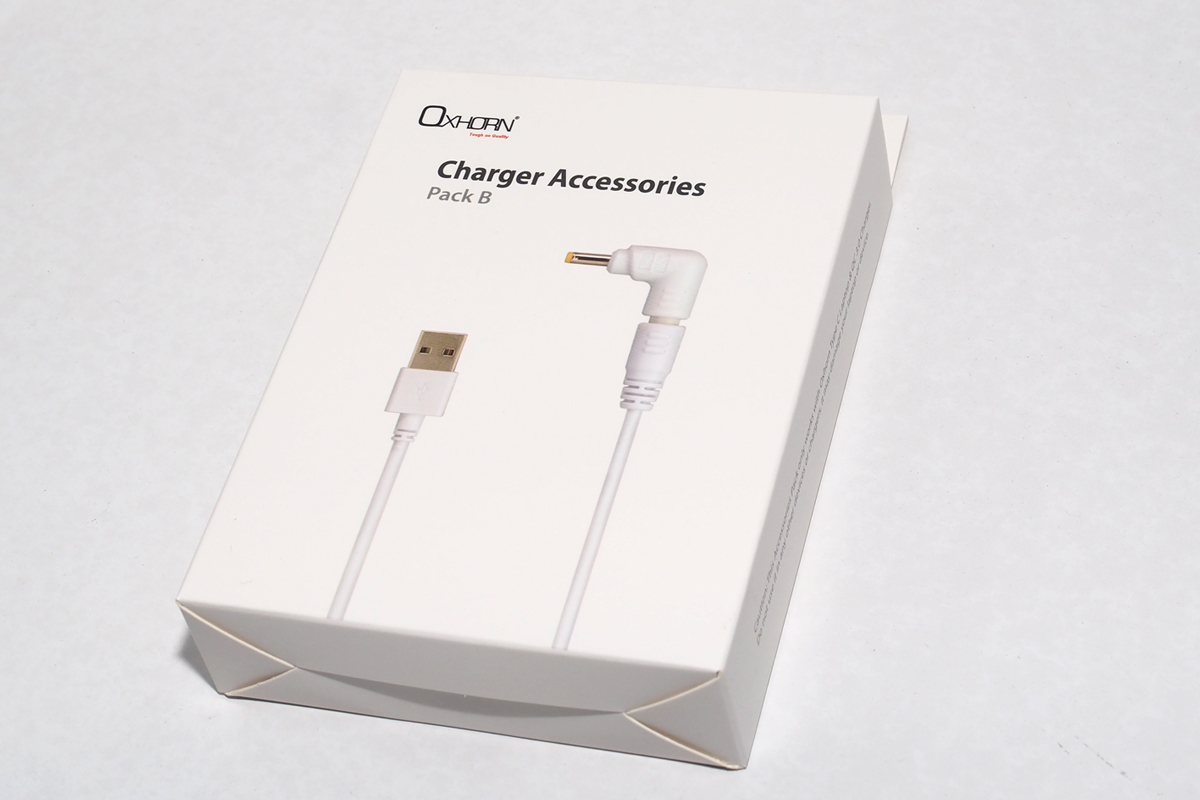
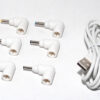
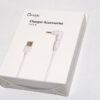
Laptop Charger Accessories Pack B
Description
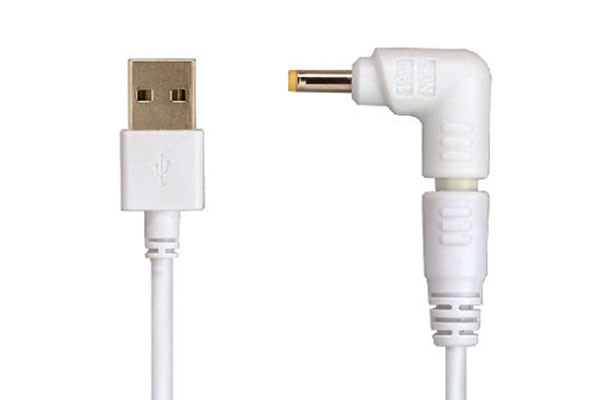
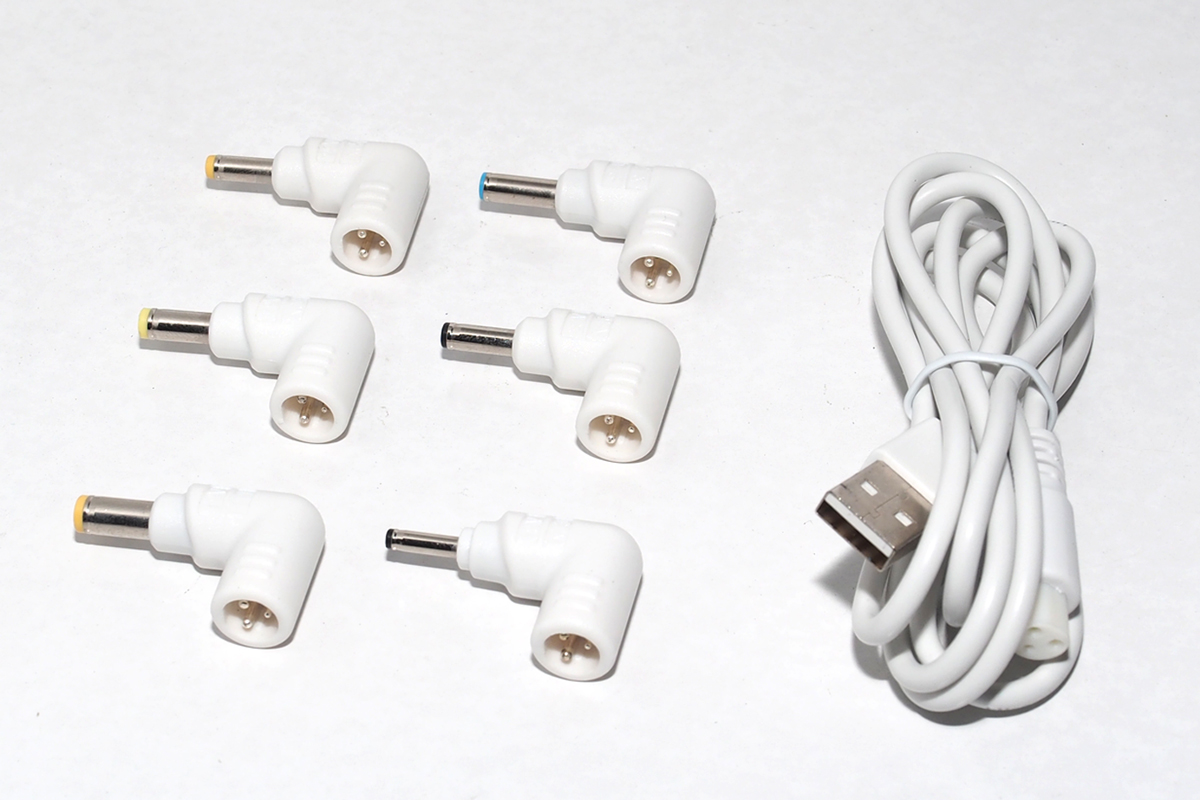
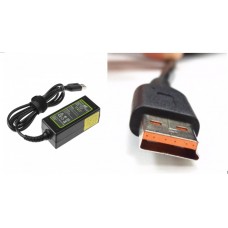
(for charge laptop/notebook, only works with Oxhorn NB-PD40 , NB-PD87 , NB-PD87+ & NB-PD150D ) Package content:? 1 x Laptop Connection Cable 6 x Laptop DC Connectors ? DC Connectors details:? N04:? 4.8*1.7*10.7 mm?(for? HP/COMPAQ :18.5V/2.7A,18.5V/3.5A,18.5V/3.8A,18.5V/4.9A;? DELTA :19V/2.64A,19V6.3A;? ASUS :19V/2.64A; NEC :19V/2.64A) N05: ?4.0?1.7?10.7 mm (for? HP :19V 1.58A ,? Lenovo : 20V 2.25A) N11: ?5.5*1.7*10.7 mm (for? TOSHIBA : 19V/3.95A;? ACER : 19V1.58A,19V3.16A,19V/3.42A;? LITEON : 19V3.42A,? DELTA : 20V/3.5A) N33: ?3.0*1.0*8 mm (for? Samsung? Ultrabook;? Asus ??etc.) N40: ?4.0*1.35*11 mm (for? Asus : 19V 2.37A, 19V 3.42A) N42: ?4.5*3.0*11 mm (for Dell : 19.5V2.31A, 19.5V 3.33A) ? (Caution: this Accessories Pack only works with Oxhorn NB-PD40 , NB-PD87 , NB-PD87+ and NB-PD150D . Do not use it in any other devices or chargers, it may damage your laptop or device. ) ? How to use this Charger Accessories Pack together with Oxhorn Type C & QC 3.0 Laptop Charger?to charge your Laptop Choose the right DC connector for your laptop/notebook. ?Connect the DC connector into the Laptop DC connection cable (as picture A). Plug the USB A of the Laptop DC connection cable into any USB port of the charger (as picture B). Connect the charger to the main power, and then you are ready to go.
-
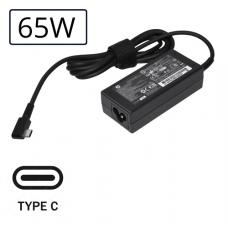 00$40.00
 -
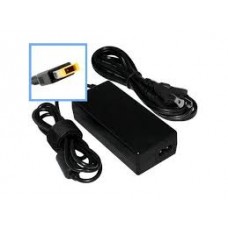 00$33.00
 -
 00$45.00
 -
 00Out of stock$45.00